 STEAM / PRICE-DROP QUESTIONS
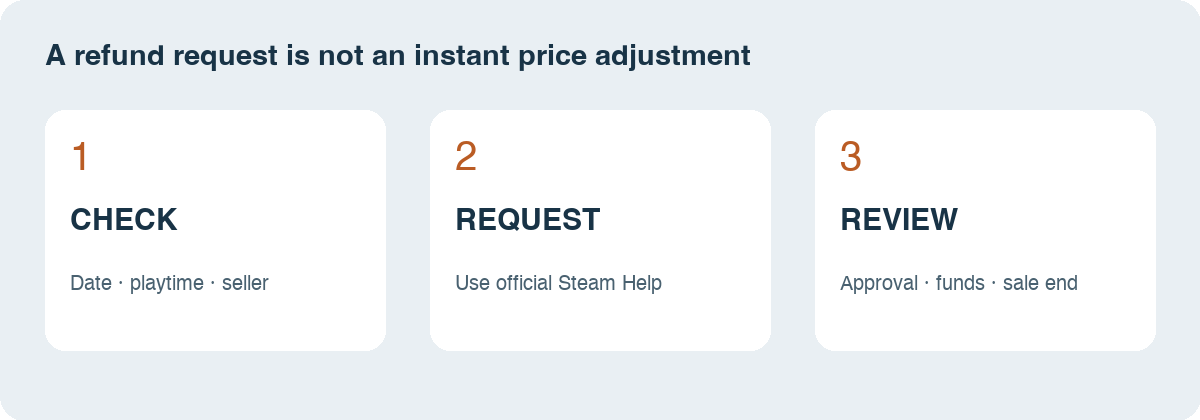
Start by checking when you bought it and how long you have played. A lower price appearing today does not automatically qualify an older purchase for a refund.
Open official Steam Help ↗Source: Steam’s sales and billing FAQ.
Can you get the sale price after buying?
Potentially, through a refund and a new purchase—not a partial price adjustment. Valve’s refund policy explicitly says refunding a game bought just before a sale and immediately rebuying it at the discounted price is not considered abuse.
That permission does not remove the eligibility rules. For ordinary Steam-store games, the standard policy is a request within 14 days of purchase and less than two hours of playtime.
| Check | Why it matters |
|---|---|
| Purchase date | The standard window is within 14 days. |
| Playtime | The standard limit is less than two hours. |
| Seller | Steam’s refund policy does not cover keys bought from another store. |
| Edition | Compare the same game package; a cheaper base game may exclude your extras. |
| Sale deadline | A submitted refund is not a reservation of the discounted price. |
The first three checks summarize Valve’s refund policy. The edition and deadline checks are our shopping checklist.
What would the saving look like?
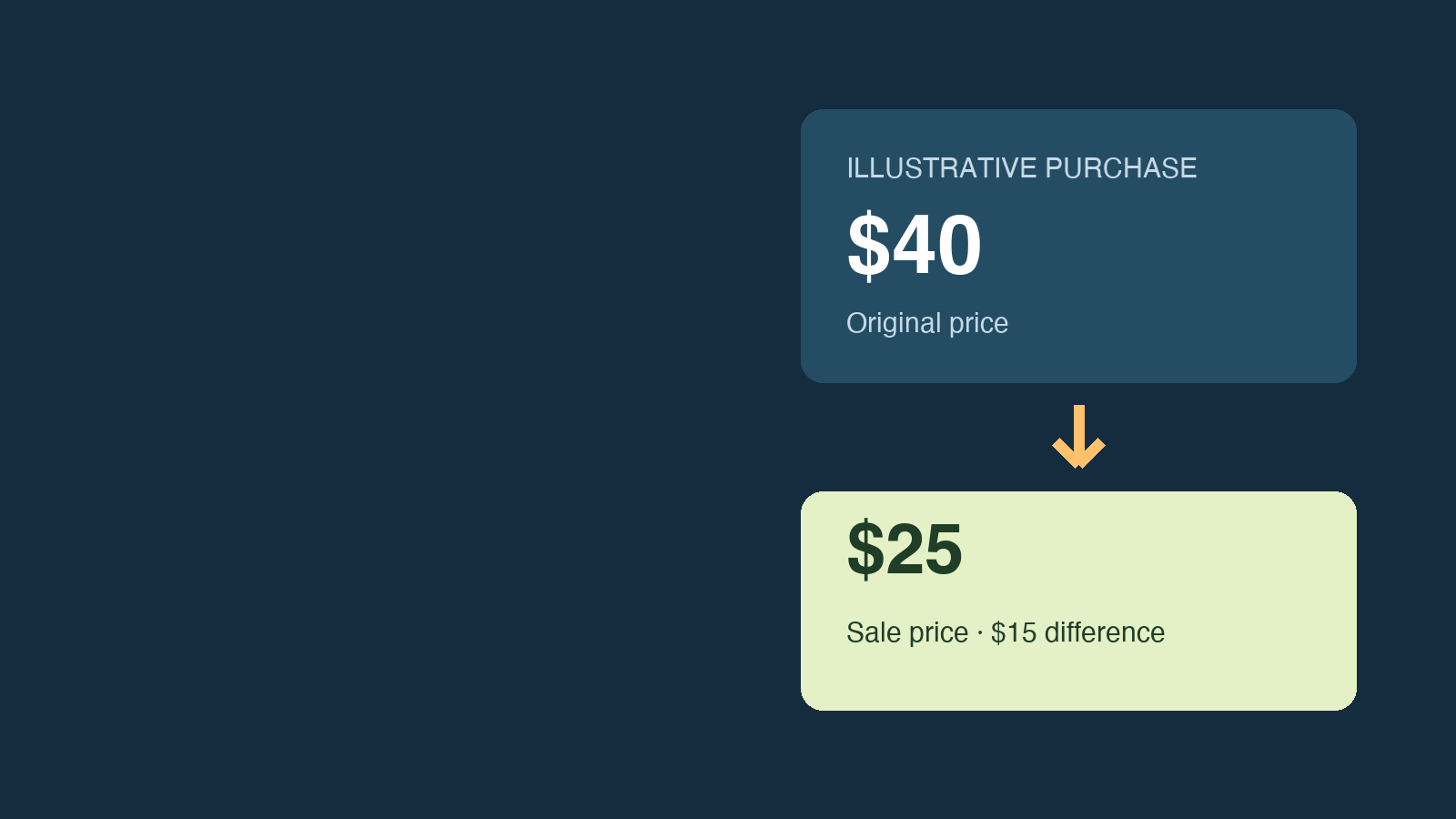
Suppose you paid $40 and the same edition now costs $25. The difference is $15. Those are illustrative numbers, not a live deal.
Do not read that as “Steam will send me $15.” The route described by Steam involves the original transaction and a separate purchase. Before committing more money, check whether the refund has been approved and whether you can afford any wait for the funds.
Write down the exact edition and sale end time before you start. A small price difference may not be worth the extra transaction or a temporary interruption to your plans for the game.
How do you start?
Open Steam Help, sign in to the purchasing account and find the relevant purchase. Follow its refund options and explain the price drop accurately.
Have your receipt, purchase date and edition name ready. Avoid submitting a request for the wrong item when a game and its downloadable content appear separately in your history.
Then read the result of your request. “Submitted” and “approved” are different stages; do not assume the original payment is already on its way back just because the form went through.
Will the money arrive before the sale ends?
Do not count on an immediate return. Valve says an approved refund is issued within a week of approval, to the original payment method or Steam Wallet; if the original method cannot be used, the Wallet is credited.
The common-refund FAQ also warns that approved refunds can take up to seven days to appear and that approved Wallet refunds can take 24–48 hours. International payment methods may take longer. That makes the sale deadline an important part of the decision.
Our suggestion: if you need the returned money for the new purchase, leave room for processing time. Steam’s sales FAQ says it cannot apply sale pricing to purchases made outside the sale period.
Does offline play count toward two hours?
Yes. Steam says the total includes online, offline and shared-library playtime. Going offline does not create a separate allowance. Refunding also does not remove playtime or achievements from your Steam Community Profile.
What if you have played more than two hours?
You can still ask Steam to review a request outside the standard rules, but approval is not promised. A price drop alone should not be treated as an exception you are entitled to.
If your main goal is saving a few dollars, compare that possible saving with the effort and uncertainty involved. Keep the explanation factual rather than choosing an unrelated problem just to make the request look stronger.
What if you bought a Steam key elsewhere?
Contact the seller you paid. Valve’s policy excludes purchases made outside Steam, including third-party keys. Activating a key in your Steam library does not turn the original payment into a Steam-store purchase.
Check that store’s own return rules before making a second purchase. This guide does not establish eligibility under another retailer’s terms.
Sources & updates
Checked October 16, 2026. This guide concerns ordinary Steam-store game purchases; DLC, gifts, subscriptions and pre-release access have additional rules. Dollar amounts are hypothetical. We have not submitted a test refund.
Steam logo: Valve, via Wikimedia Commons, marked public domain for simple geometry. Used unmodified to identify Steam; this guide is independent and not endorsed by Valve.


